
First steps
An account, the client, your first character and your first half hour in Thais.
- Create an account on the website and confirm your e-mail address with the link we send.
- On the account page create a character: name, vocation and sex. It starts in the temple of Thais.
- Download the client from the Download page, unpack it and run it. It fetches patches by itself on start.
- Log in with the same e-mail address and password as on the website.
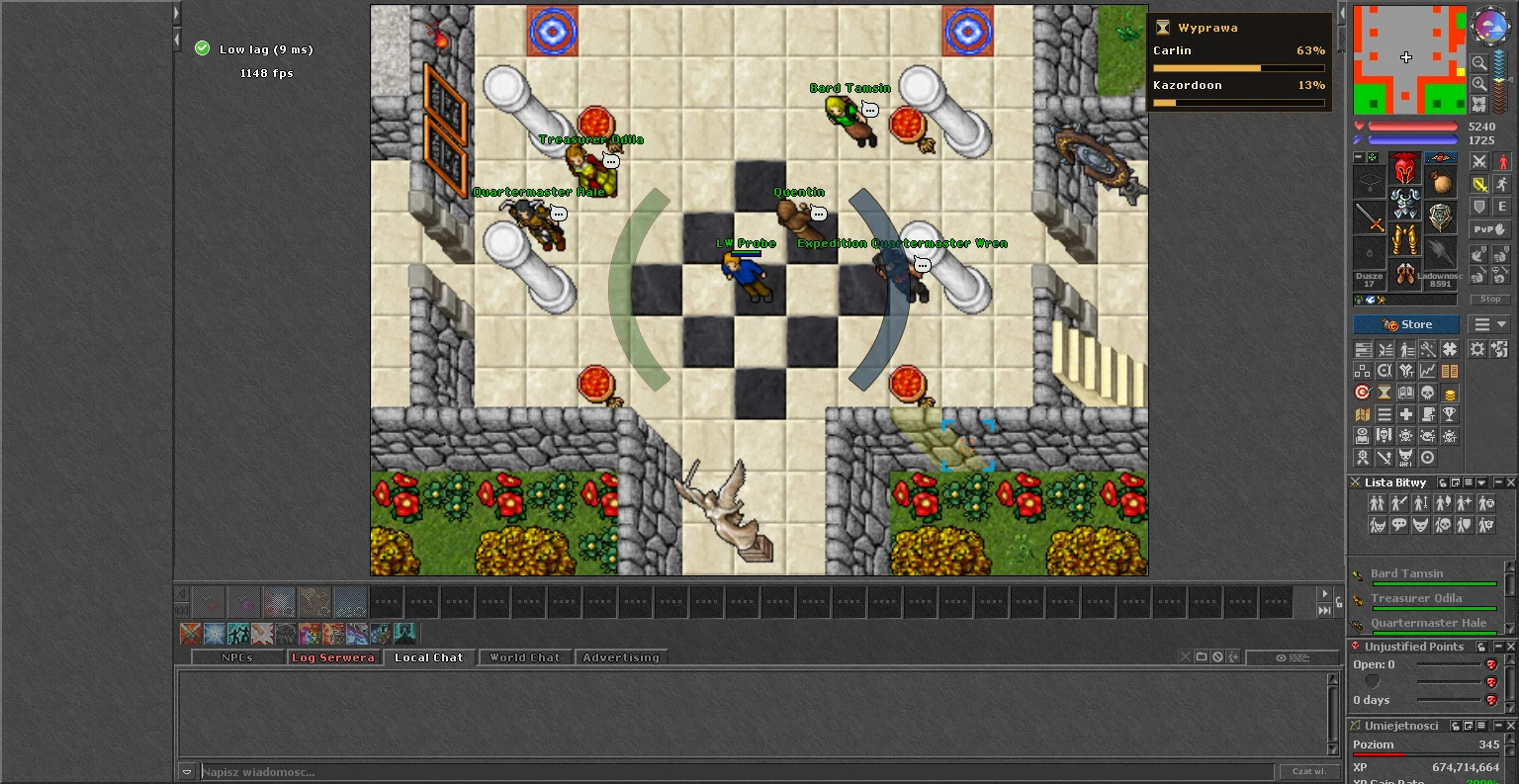
What to do first
- Open the Hunt window (Ctrl+D) and look at the Boosted Creatures for your level.
- Talk to Quartermaster Hale in the temple of Thais: he hands out your first contract.
- Open the Chronicle (Ctrl+J) to see what is going on in the world.
- Type !region when you enter new ground: it tells you which stage the region is in.
Change the language of the game with !lang pl or !lang en. The NPCs speak both.